
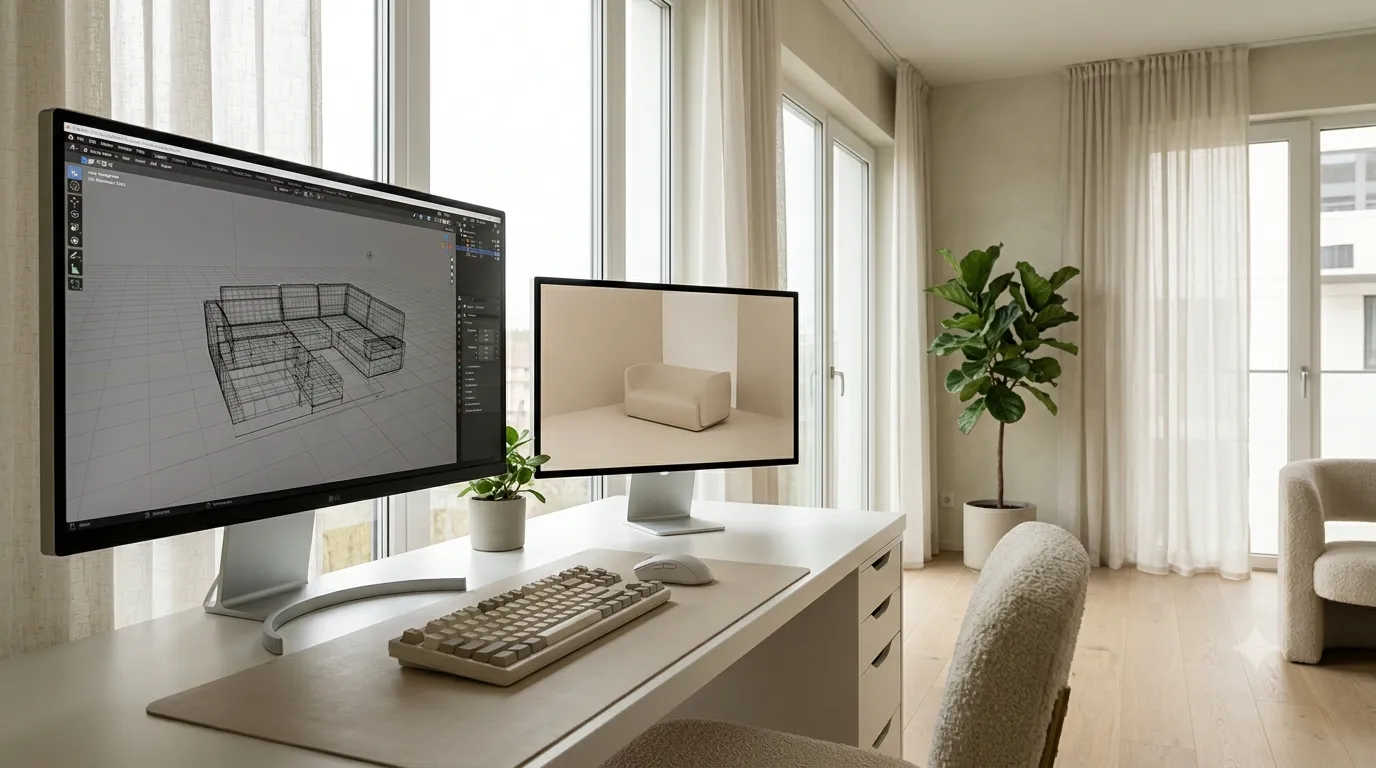
A heavy scene is the most common reason an interior render takes all night instead of an hour. Most scenes do not need to be heavy. The fix is not buying more RAM — it is using the right tools for repetitive geometry.
Use proxies for high-poly assets
Anything over a few hundred thousand polygons that exists more than once in the scene should be a proxy. 3ds Max's V-Ray proxy (vrmesh) or Corona proxy (.cgeo) lets the viewport show a lightweight bounding box while the render engine uses the full-resolution mesh. Viewport frame rate stays smooth, and render times stay sane.
Instance, do not clone
If you need the same chair 20 times around a dining table, instance it — do not copy it. Instances share geometry in memory, so 20 instances of a chair use the same RAM as one. Clones duplicate the geometry. For plants, books, dishware, and any scatter, instances are mandatory.
Scatter tools beat manual placement
Placing 500 books by hand is a waste of time. Use a scatter tool (Chaos Scatter, RailClone, Forest Pack) to distribute objects across a surface with rules. Scattered objects stay as instances, you get natural variation, and tweaking the scatter is one parameter change instead of 500 moves.
Hide geometry the camera cannot see
Anything outside the camera frustum is wasting render time. Cull aggressively. For walkthroughs, you cannot cull as hard, but for still renders, anything outside the frame should be hidden. Many studios set up render layers specifically for this.
Material optimization
Every material in the scene is sampled during render. A material with 4K textures on a small prop is wasting memory and render time. Match texture resolution to the on-screen size of the object. A pillow at 400 pixels wide does not need a 4K diffuse map.
Light and render element hygiene
Disable lights outside the camera frustum. Disable render elements you are not using — each one adds render time. If you only need the final beauty pass, do not enable the full element suite "just in case."
Render regions and adaptive subdivision
For final passes, render only the region you need. Use the bucket or progressive render at low resolution to check the overall composition, then crank resolution for the final pass.
When the scene really is heavy
Some scenes need to be heavy — high-detail hero furniture, dense scatter, complex architecture. For these, render on a render farm or split the render into tiles. Most archviz studios send the final pass to a farm and use local machines for look-development only.
Optimized models save you hours of optimization work. Browse our clean-topology 3D model library built for production pipelines.
