
Topping up credits during a project is one of the most expensive habits in an archviz workflow. It interrupts the render pass, breaks the model audit, and almost always pushes the buyer toward the smallest bundle "just to unblock the moment" — which is the most expensive per-credit option on the site. This guide explains why buying credits before the project starts is cheaper, calmer, and faster, and how to size the bundle so the next deadline never waits on a checkout.

The "mid-project top-up" tax
When a render is half-done and a model is missing, the temptation is to pay whatever it takes to unblock. The model is "needed now" so the smallest bundle feels like the cheapest path — but it is the most expensive per credit, and it is happening at the worst possible moment for thinking about money. The same credits, bought a week earlier at a larger bundle, would have cost less and arrived without disrupting a render.
What actually goes wrong
- Per-credit cost is highest on the smallest bundle — the one most "emergency" top-ups pick by default.
- Payment approval + credit delivery adds minutes that interrupt render-time iteration.
- Two small bundles in a month almost always cost more than one mid-tier bundle paid once.
The pre-project workflow
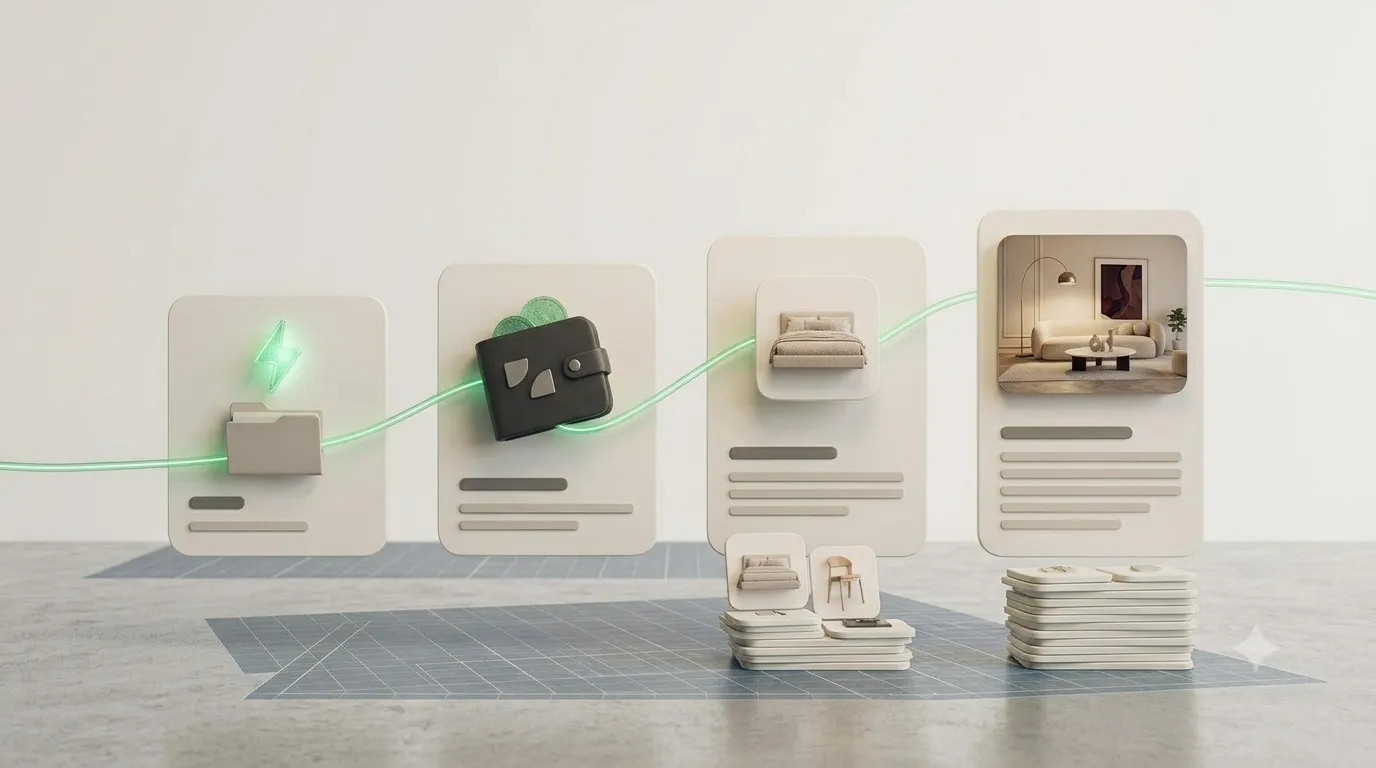
The smoothest credit experience looks like a project kickoff, not a mid-render scramble. Before the first layout pass, do three things: review the brief, list the asset categories it needs, and top up once at a bundle sized to that list. From there, the entire project runs on an existing balance — no last-minute decisions, no PayPal popups in the middle of a lighting pass.
How to size the bundle for the next project
Project sizing is simpler than it looks. Each model or pack lists its credit cost up front, so a quick scan of the brief gives a defensible total. The trick is to round up, not down — a slightly larger bundle still wins on per-credit price, and the leftover credits roll into the next project. Rounding down is what forces a mid-project top-up, which is the moment all the savings disappear.
- One hero model: smallest bundle is enough — no need to over-buy for a single asset.
- Living-room or bedroom set: mid-tier bundle covers the brief with credits to spare.
- Full interior / multi-room project: largest tier is the cheapest per credit and removes the mid-render top-up risk entirely.
When campaigns make top-ups even smarter
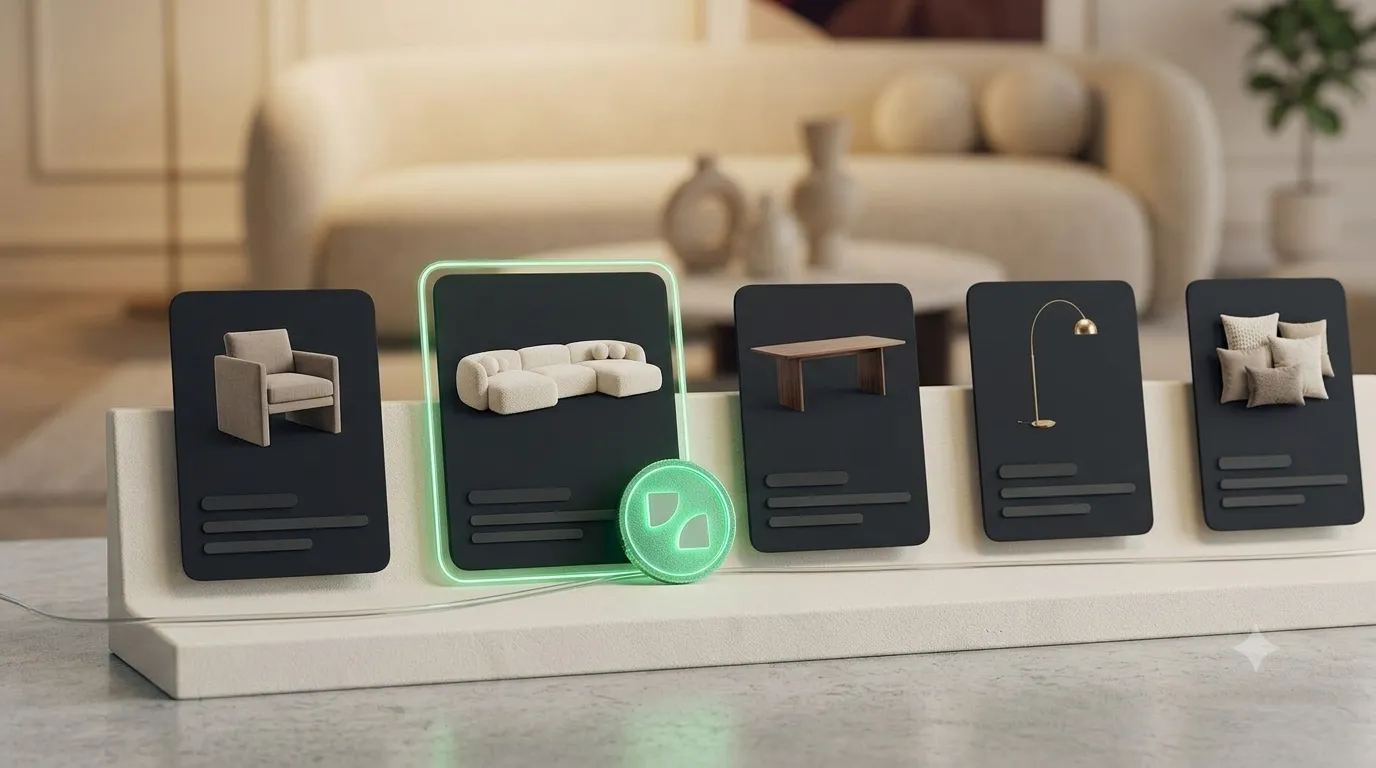
Pre-project timing lines up neatly with seasonal campaigns. When a campaign runs (Vietnam National Day, year-end), bundle discounts can stack with promo multipliers — the per-credit price drops further, and the buyer gets a deeper balance to cover two or three projects. Holding the top-up until the campaign window is the difference between a routine bundle and a genuinely cheap one.
The cheapest time to buy credits is before the project starts. The most expensive time is the moment a model is needed and the render is waiting.
Frequently asked questions
What if my project grows beyond the bundle I bought?
Credits are not project-locked. Anything left over carries into the next project, and any extra top-up still benefits from the bundle discount — just less of it.
Which payment method is fastest for pre-project top-ups?
PayPal is the fastest for most users. USDT (crypto) and supported bank transfers are equally fast once confirmed and can be cheaper on fees depending on the buyer.
Do I lose credits if a project gets cancelled?
No. Credits stay in the wallet for the life of the account, regardless of project status.
Make the next top-up a kickoff step, not a panic button
Treat credit top-up as part of the project plan, not a reaction to a missing model. A bundle sized to the brief, paid before the first render, makes the whole workflow faster and cheaper. Browse the 3D model library with a bundle in mind and the next deadline stops waiting on checkouts.
