
Buying a model on 3DSBLACK is not a one-shot download — everything you own stays in your account so you can pull it again whenever a project needs it. This guide shows where your purchases live, how to download single models or a whole order as a ZIP, where to find your order history, and the handful of rules that keep downloads secure.
Where your purchases live
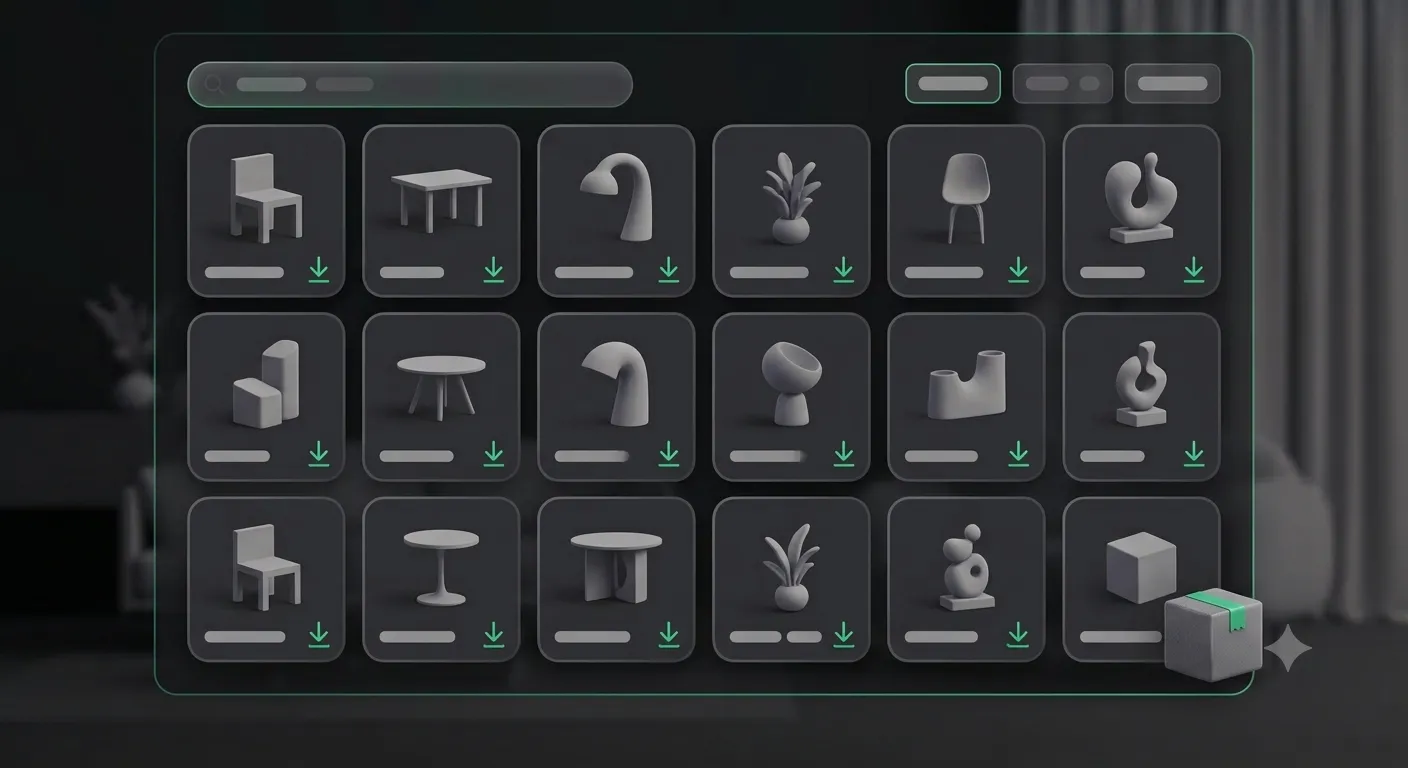
Your account has a Purchased Products page listing every model you own, newest first, with search and category filters for when the library grows. The page sums it up: "All 3D models you own — download them again any time." Each card links back to the model's detail page, which is where the actual download happens.
Downloading a single model
Open any model you own and use its Download button, or use the per-item Download on an order's detail page. There is no re-download limit — if you lose the files, upgrade your machine, or need a fresh copy months later, just download again at no extra credit cost.
Downloading a whole order as a ZIP
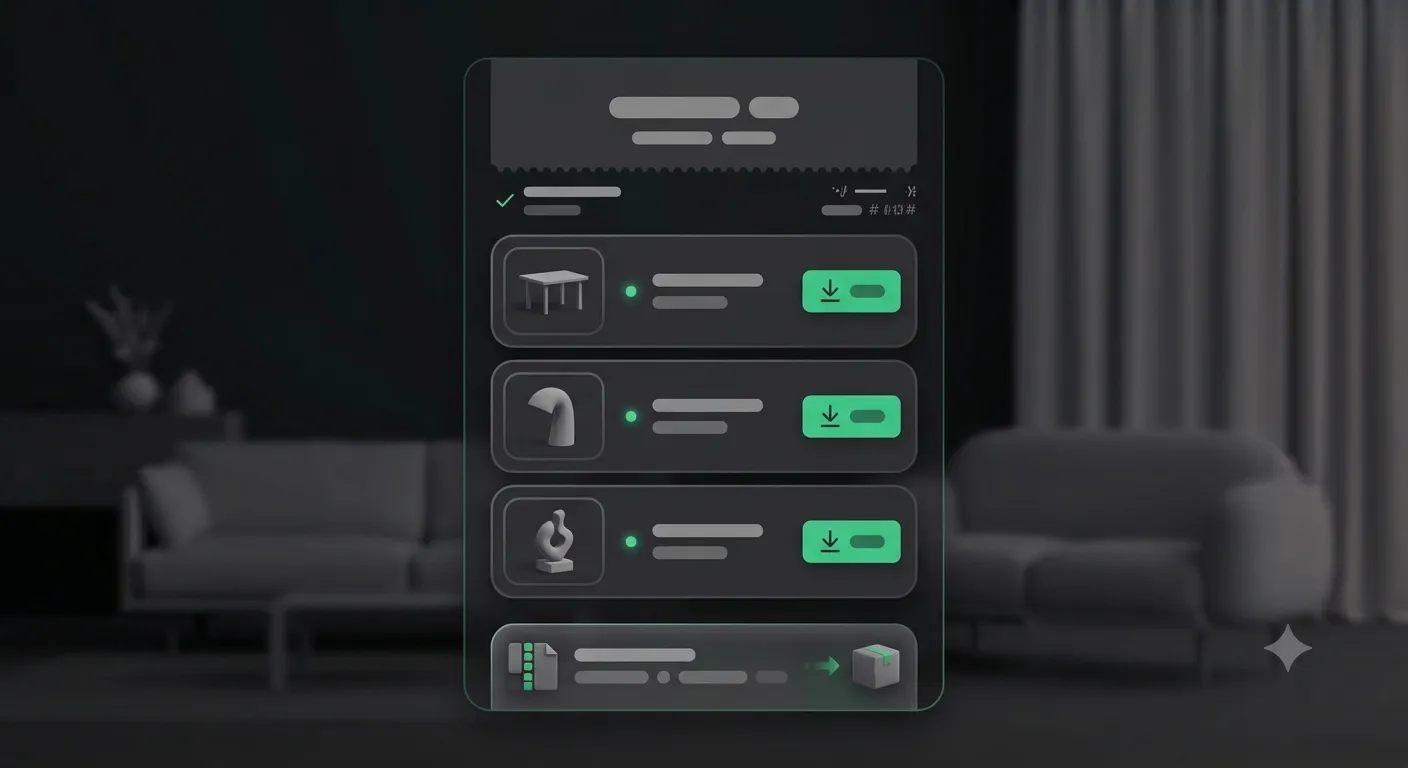
When an order has several models, you do not have to grab them one at a time. From the order you can create a package — 3DSBLACK bundles every file into a single ZIP in the background. A progress indicator shows the build, and when it is ready a download link appears. Note that a generated ZIP link expires after a while; if it does, just create a fresh package — the models are still yours.
Order history and receipts
The Orders page lists your product orders and lets you filter by status (completed by default), with per-order totals and item counts. Opening an order shows its detail view, which acts as your receipt: every item, its status, its download button, and what you spent in credits. Credit top-ups are kept out of this list on purpose, so your order history shows only the models and packs you bought.
Download rules worth knowing
A few safeguards protect both your files and the library. None of them get in the way of normal use:
- 30-day activity gate — paid-model downloads stay open as long as your account has had a purchase in the last 30 days. If downloads ever lock, buying any model restores access.
- Anti-duplicate cooldown — if you fire the same download twice in quick succession, or from two tabs at once, you may see a short "please wait a moment" message. Give it a few seconds and try again.
- ZIP expiry — bulk packages are temporary links; regenerate if one has expired.
| You want to… | Go to |
|---|---|
| See everything you own | Purchased Products |
| Re-download one model | The model's detail page → Download |
| Download a full order | Order → create package → download ZIP |
| Find a receipt | Orders → open the order |
Because re-downloads are unlimited, you do not need to hoard local copies "just in case". Your 3DSBLACK library is the backup.
Single file vs. ZIP package — which to use
Grab a single model from its detail page when you only need one asset right now — it is the fastest route. Reach for a ZIP package when you have just bought a large set and want everything in one archive instead of clicking through each model. The package builds in the background, so you can start it and come back when it is ready; the resulting archive is ideal for dropping a whole project's assets onto a workstation or NAS at once. Remember the ZIP link is temporary — download it promptly, and regenerate it later if you need the archive again.
Frequently asked questions
Is there a limit on how many times I can re-download a model?
No. Once a model is in your library you can download it as many times as you need, at no extra credit cost. Your account is effectively your backup.
Why are my downloads locked?
Paid-model downloads require account activity within the last 30 days. If you have not purchased anything recently, downloads can lock as an anti-abuse measure — buying any model restores full access immediately.
I clicked download and got a "please wait" message. What happened?
That is the anti-duplicate safeguard. If the same file is requested twice in quick succession, or from two tabs at once, a short cooldown kicks in. Wait a few seconds and try again from a single tab.
My ZIP link stopped working.
Bulk package links expire after a period. The models are still yours — just create a new package from the order and download the fresh archive.
Do credit top-ups show in my order history?
No. The Orders page shows only your model and pack purchases; credit top-ups are recorded separately on the Credit & Wallet page so your purchase history stays focused on assets.
Build a library you can rely on
Between unlimited re-downloads, bulk ZIP packages, and a clear order history, everything you buy on 3DSBLACK stays a click away for the life of your account. Keep adding the pieces your projects need from the 3D model library, and download them whenever the next deadline lands.
