
Credit bundles on 3DSBLACK are designed to reward larger top-ups: the more credits you buy at once, the lower the cost per credit. Most buyers default to the smallest bundle and quietly leave 20–35% of their budget on the table. This guide explains how the bundle tiers work, what "save more" actually means in numbers, and how to size the next bundle to the work you have lined up — not just to today.
How the bundle tiers work
Every bundle on the credit page sells the same currency — credits, usable on any model or pack — at a different per-unit price. Three things scale together as the bundle grows: the absolute number of credits, the discount you receive, and the project size the bundle can carry without forcing a second top-up. The featured bundle highlighted at the top of the credit page is the one that usually gives the strongest per-credit rate for the average studio project.
What changes between tiers
- Per-credit price: drops as the bundle grows. The smallest bundle is the baseline; larger tiers add a volume discount on top.
- Payment method availability: some higher tiers unlock the same PayPal, USDT (crypto), and bank-transfer options as the smaller ones — no premium surcharge.
- Project runway: bigger bundles cover a full interior set or several models without forcing a checkout mid-project.
What "save more" means in practice
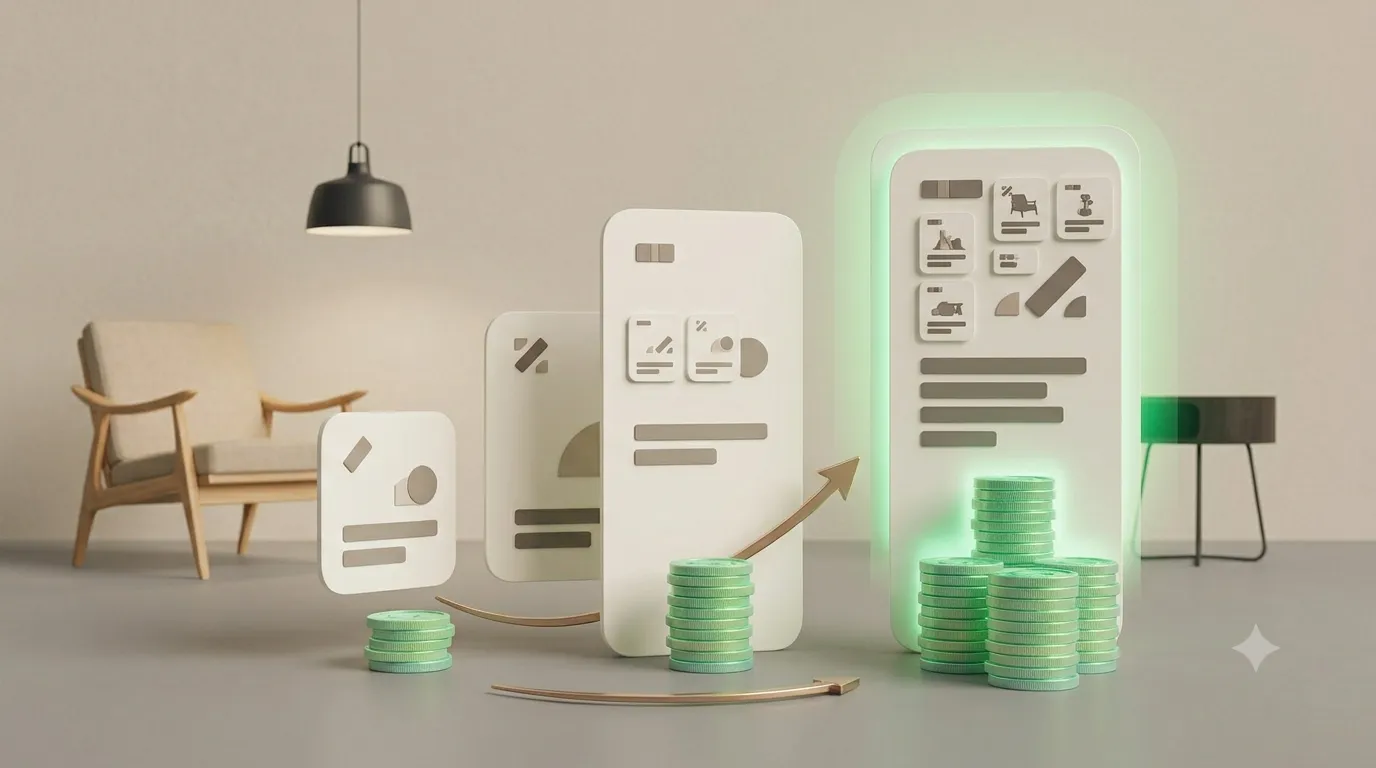
The discount is not a promo code that disappears at checkout — it is built into the bundle price. If the smallest bundle sets a $1.50-per-credit baseline, the next tier is already cheaper per credit, and the largest tier is cheaper still. The gap compounds: a designer who would otherwise buy two small bundles in a month spends noticeably less by buying one larger bundle once and drawing it down.
| Buying style | Approx. per-credit cost | What it means for a 200-credit project |
|---|---|---|
| Smallest bundle, paid twice | Baseline | Baseline |
| Mid-tier bundle, one purchase | Lower per credit | Lower spend for the same credits |
| Largest bundle, one purchase | Lowest per credit | Biggest saving on a 200-credit project |
Match the bundle to the project, not the mood
The single biggest mistake buyers make is grabbing the smallest bundle "to be safe" when they already have three models in mind. A useful rule of thumb: if the project includes a hero piece plus a few supporting models, the mid-tier bundle almost always wins on price. If the project is a full interior set, the largest tier is the cheapest path per credit and removes the risk of running out halfway through.
- One-off single model: smallest bundle is fine — no need to over-buy.
- Living-room or bedroom set: mid-tier bundle balances discount and flexibility.
- Multi-room project or pack-heavy workflow: largest tier — the discount is largest and you will not need to top up again before delivery.

Stacking savings the right way
Bundles already include the best per-credit price the site offers. Stacking on top of that comes from two places: pay with USDT or bank transfer when it fits, which avoids PayPal-side processing surprises, and bundle purchases that align with seasonal campaigns (Vietnam National Day, year-end). When a campaign doubles up with the bundle discount, the per-credit price drops further — that is the moment to stock up for the next two months of work.
Buy the bundle that fits the next project, not the bundle that fits today's mood. You will end up with a cheaper per-credit price and a credit balance that actually matches the work ahead.
Frequently asked questions
Do credits expire?
No. Credits stay in your wallet for the life of your account and can be drawn down across as many projects as you like.
Can I mix payment methods across bundles?
Yes. PayPal, USDT (crypto), and supported bank transfers work on every bundle tier — the payment method does not change the per-credit price.
What if I buy a bundle and the project changes?
Credits are not project-locked. Anything left over rolls into the next project, so over-buying slightly is always safer than under-buying and paying two top-up fees.
Pick the bundle that fits the work, not the wallet
The whole point of bundle tiers is to make larger projects cheaper per credit. Match the next top-up to the next project, pay in the method that suits you, and let the volume discount do the work. Browse the 3D model library with a bundle in mind and the math takes care of itself.
