
3DSBLACK runs on credits. Instead of paying for each model at the register, you top up a credit balance once and spend it whenever you download. This keeps checkout instant and lets you buy in bulk at a lower per-model price. This guide explains how credits work, walks through every bundle, and covers all three payment methods step by step — PayPal, a crypto wallet like MetaMask, and manual USDT transfer.
How credits work
A credit (shown as 🌿) is the currency of the store. As a rule of thumb, one credit unlocks about one model download, and credits never expire — buy a big bundle now and draw it down over months. Your balance and full history live on the Credit & Wallet page.
Choosing a bundle
Head to the Buy Credit page. You will see a grid of bundles — the more models a bundle includes, the lower the effective price per model. Bigger packs carry badges so the best deals are easy to spot.
| Bundle | Price (USD) | Badge |
|---|---|---|
| 1 model | $4.99 | — |
| 2 models | $8.99 | — |
| 5 models | $19.99 | Most Popular |
| 10 models | $34.99 | — |
| 20 models | $59.99 | Best Value |
| 50 models | $119.99 | — |
| 100 models | $229.99 | Mega Pack |
Pick a bundle and press "Buy Now". (If you are not signed in, you will see "Sign in to buy" first.) Instead of jumping straight to a payment page, 3DSBLACK opens a "Choose payment method" dialog with a short summary of the bundle and its price, and three ways to pay.
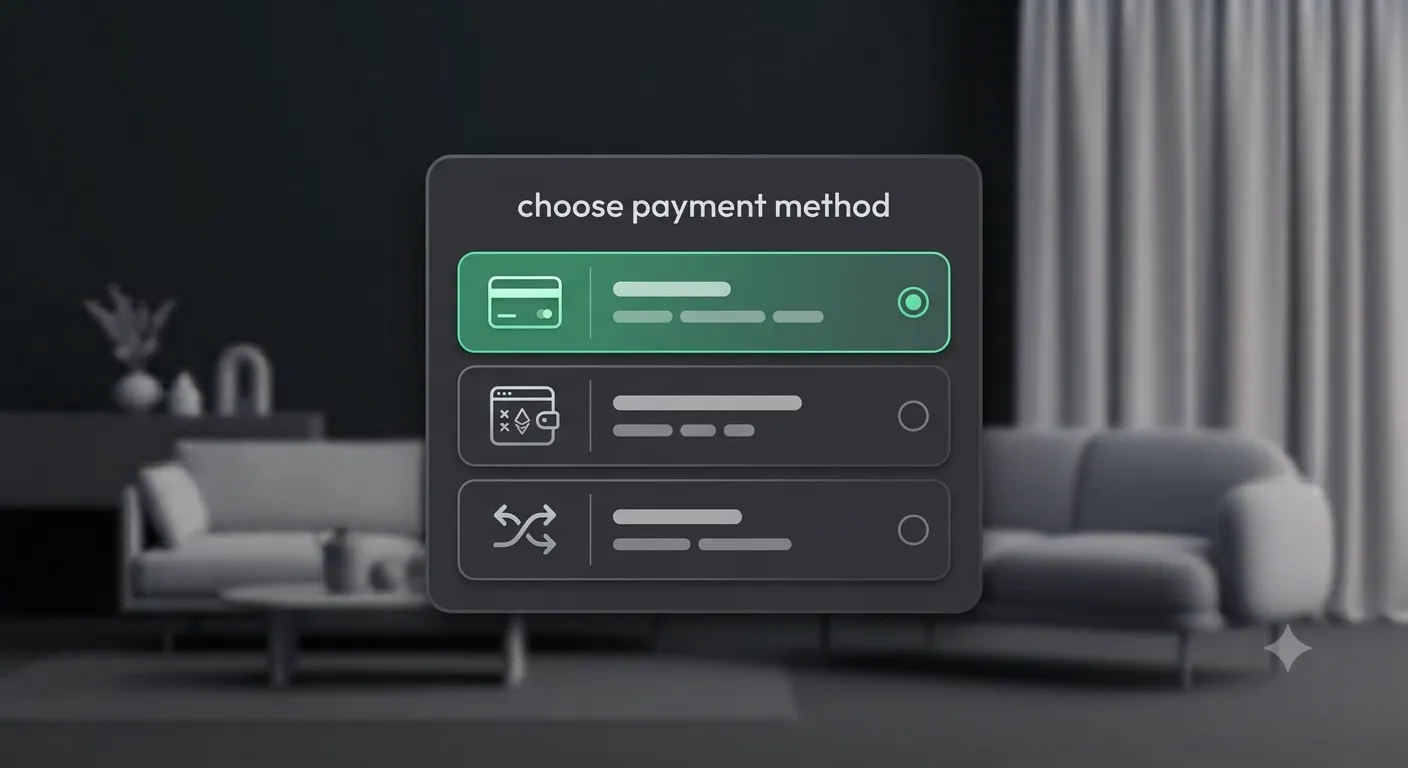
Method 1 — PayPal
Choose PayPal ("Card or PayPal balance") and you are taken to PayPal to approve the payment — pay with your PayPal balance or a card, no PayPal account strictly required. When you approve, 3DSBLACK captures the payment, shows "Credit bundle purchase successful.", and drops the credits into your balance. You land back on the wallet page with the new total. If you cancel on PayPal, nothing is charged and you simply return to the store.
Method 2 — USDT via a crypto wallet
Choose USDT — Crypto wallet ("MetaMask, Trust, OKX… on BNB Smart Chain") if you have a browser wallet installed. The flow is fully in-page:
- 3DSBLACK creates the order and hands your wallet the exact USDT amount and receiving address.
- Your wallet prompts you to connect and, if needed, to switch to BNB Smart Chain (it is added automatically if missing).
- Confirm the USDT transfer in the wallet popup.
- The page polls the blockchain for you — once the transfer is confirmed, it shows "Payment confirmed!" and redirects you to your wallet with credits added.
If no browser wallet is detected, the page tells you to install one or switch to the manual method below.
Method 3 — USDT via manual transfer
Choose USDT — Manual transfer ("Send from any wallet or exchange") when you want to pay from an exchange account or a wallet on your phone. The page shows a details panel with the Amount and the receiving Address (each with a Copy button) and the network. Send the exact amount, then paste your transaction hash into the "After sending, paste your transaction hash:" field and press "Verify payment". 3DSBLACK checks the transaction on-chain and credits your account once it confirms.
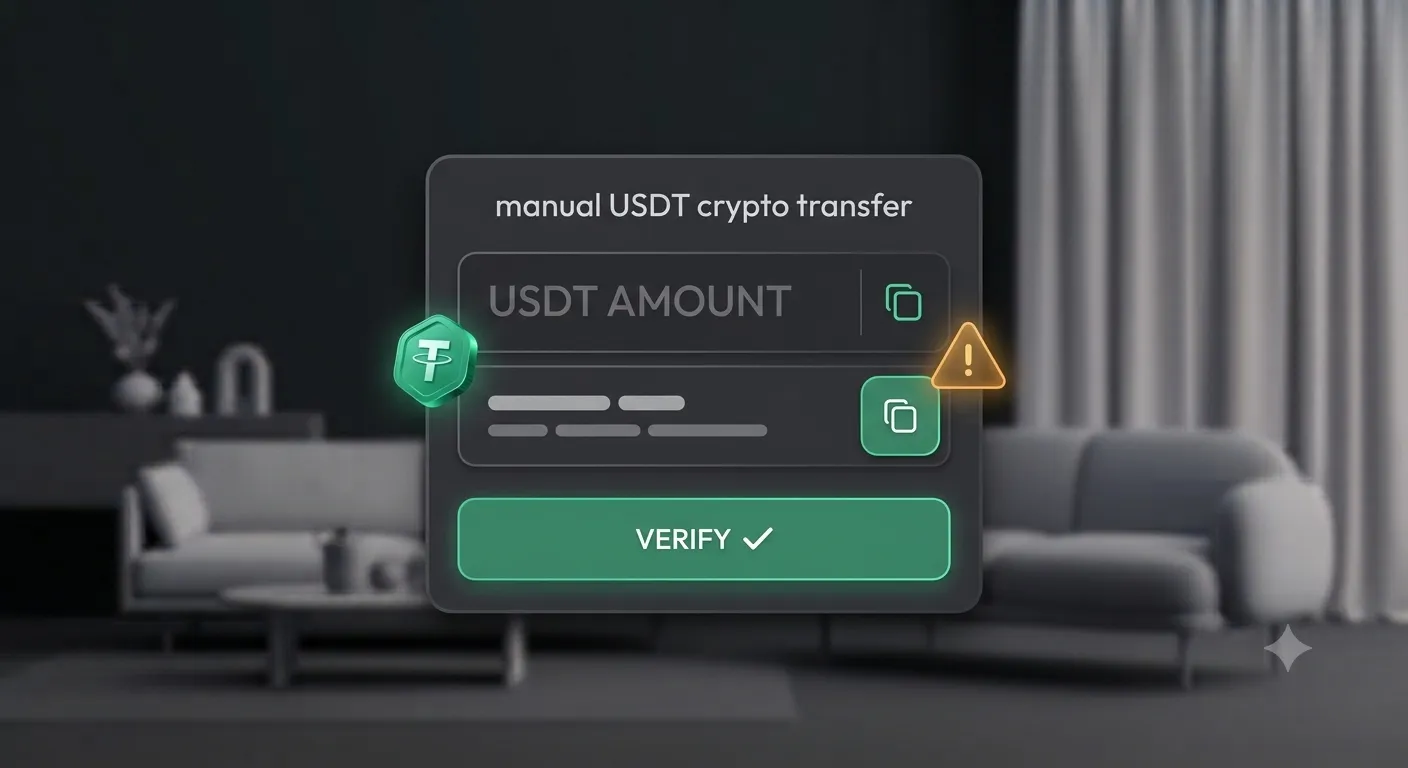
Send only USDT on the BEP-20 (BNB Smart Chain) network. Sending on a different network — or a different token — will lose the funds. Copy the amount and address rather than typing them by hand.
Where your credit shows up
All three methods land the same place: the Credit & Wallet page. It shows your current balance and a Recent activity log you can filter by All, Top-ups, or Spends — so you can always see when credits arrived and which models you spent them on.
Which method should you choose?
There is no wrong answer — pick whatever is least friction for you:
- PayPal is the simplest if you pay by card or already use PayPal. Credits appear the moment the payment is captured.
- USDT via a crypto wallet suits anyone who already holds USDT on BNB Smart Chain and has MetaMask or a similar wallet in their browser — the whole thing happens in a couple of clicks without leaving the page.
- USDT manual transfer is the fallback when you want to pay from a phone wallet or an exchange account: send, paste the hash, verify.
Frequently asked questions
Do credits ever expire?
No. Credits stay on your account until you spend them, so buying a larger bundle to save on the per-model price carries no time pressure.
Do I need a crypto wallet to buy credit?
Not at all. PayPal covers cards and PayPal balances. The USDT options are there for people who prefer paying in crypto — they are entirely optional.
Which network do I use for USDT?
Only BEP-20 on BNB Smart Chain. Sending USDT on any other network (for example ERC-20 or TRC-20) will not be detected and the funds can be lost. Always copy the amount and address rather than typing them.
How quickly do credits arrive?
With PayPal, credits are added as soon as the payment is captured. With USDT, the page waits for the transaction to confirm on-chain and then credits your balance automatically — usually within a few minutes depending on network conditions.
Can I see my past top-ups?
Yes. The Credit & Wallet page keeps a full activity log; filter it by "Top-ups" to see every purchase and by "Spends" to see where credits went.
From credit to download
With credits in your balance, buying is instant: add models to a cart and check out, or use "Buy Now" on a single model. The credits are deducted and the downloads unlock immediately. Ready to top up? Head to the Buy Credit page, pick the bundle that fits your project, and start building your library from the 3D model collection.
