
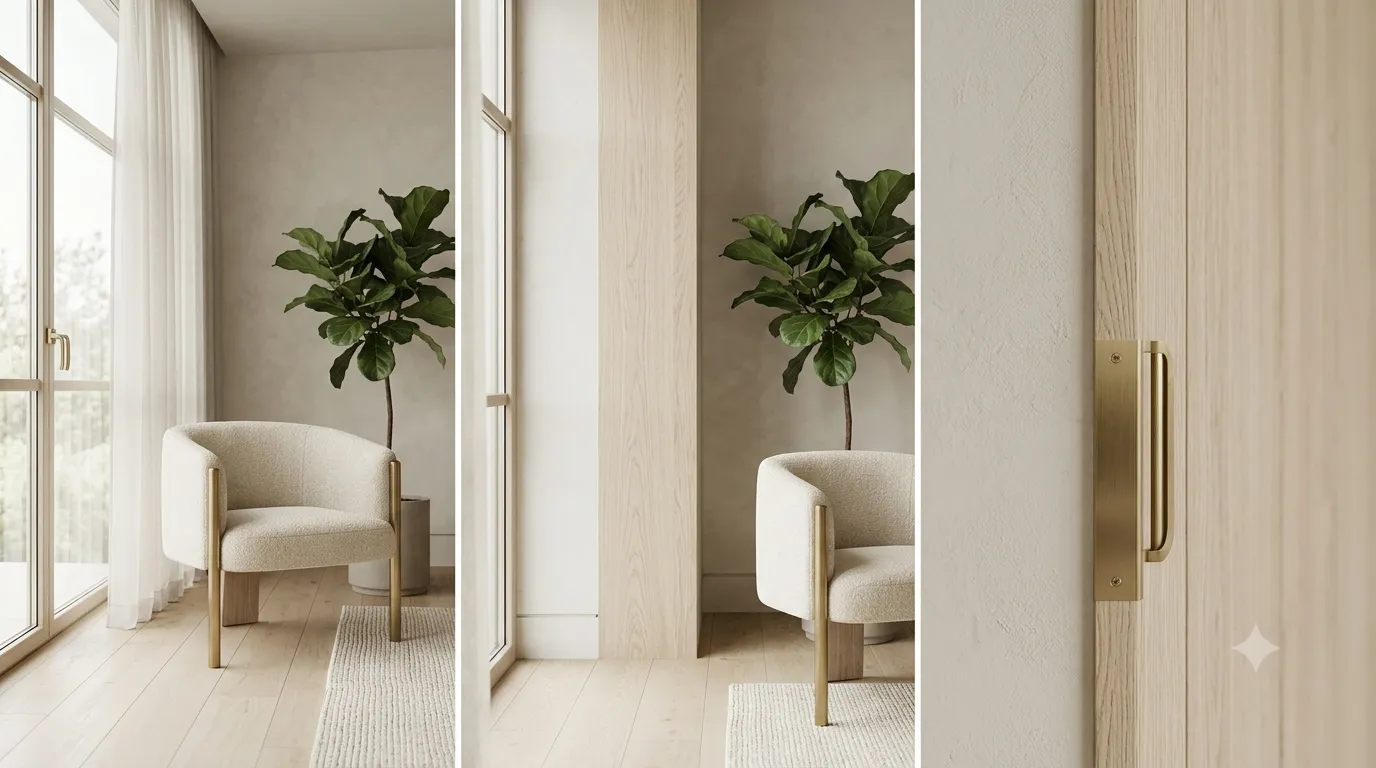
Materials are where most interior renders fall apart. Geometry is forgiving, lighting can be tuned in post, but a material that does not behave correctly under different light angles betrays the image as CGI immediately. The fix is understanding the underlying model.
PBR is the only model worth using
Physically Based Rendering treats materials as a set of measurable properties: base color, roughness, metalness, normal, and (for advanced surfaces) displacement or subsurface scattering. Once you build a material with these channels, it behaves correctly under any light. Drop a wood texture into a different scene with different lighting and it still looks like wood.
Reading reference is half the job
Before you build a material, look at real photographs of the surface in different lighting. Note where the highlights fall, how rough the surface reads at glancing angles, and how deep the color goes in the shadows. Most beginners underset roughness — real surfaces are rarely mirror-smooth except for polished metal and glass.
Corona Material setup basics
In a Corona Material, slot your diffuse map into Base Color, set Roughness from a dedicated roughness map (or a desaturated inverted gloss map), and add a Normal map for surface detail. For most architectural surfaces, metalness stays at 0 unless the surface is genuinely metal.
Wood that does not look like plastic
Wood needs three things to read correctly: a varied diffuse map (real wood grain, not tiled), a low-frequency roughness map (some areas polished, some matte), and a subtle normal map (the wood grain should catch light differently at different angles). Avoid heavy bump maps — wood is not deeply textured.
Fabric and soft surfaces
Fabric is a roughness monster. Linen has visible weave variation in roughness. Velvet has high roughness everywhere but reflects light directionally (sheen). Silk is smoother than you think. For all of them, the trick is high roughness in the diffuse map's shadow areas and a sheen layer for the highlight.
Glass, metal, and the obvious cases
Glass needs Reflectivity at 1.0, IOR around 1.5, and a thin refraction layer. Metals need Metalness at 1.0 and a Reflectivity tinted by the base color (gold tints its reflections gold, iron does not). Both benefit from a thin clearcoat layer for that last bit of polish.
Displacement vs bump
Use displacement only when the geometry needs to be deformed — for example, a brick wall with deep mortar joints. Bump and normal maps are sufficient for almost everything else and render much faster. Displacement at render time without a properly tessellated mesh gives you ugly artifacts.
Looking for assets with materials that are already set up correctly? Our 3D model library ships every model with production-ready Corona and V-Ray materials.
