
The sofa anchors the living room render. It is the largest single object in the frame, the eye reads its silhouette before anything else, and the wrong choice quietly undermines every other prop you spent time on. This guide walks through the seven criteria that separate a sofa model that holds up in a high-end render from one that needs hours of cleanup before it ships.
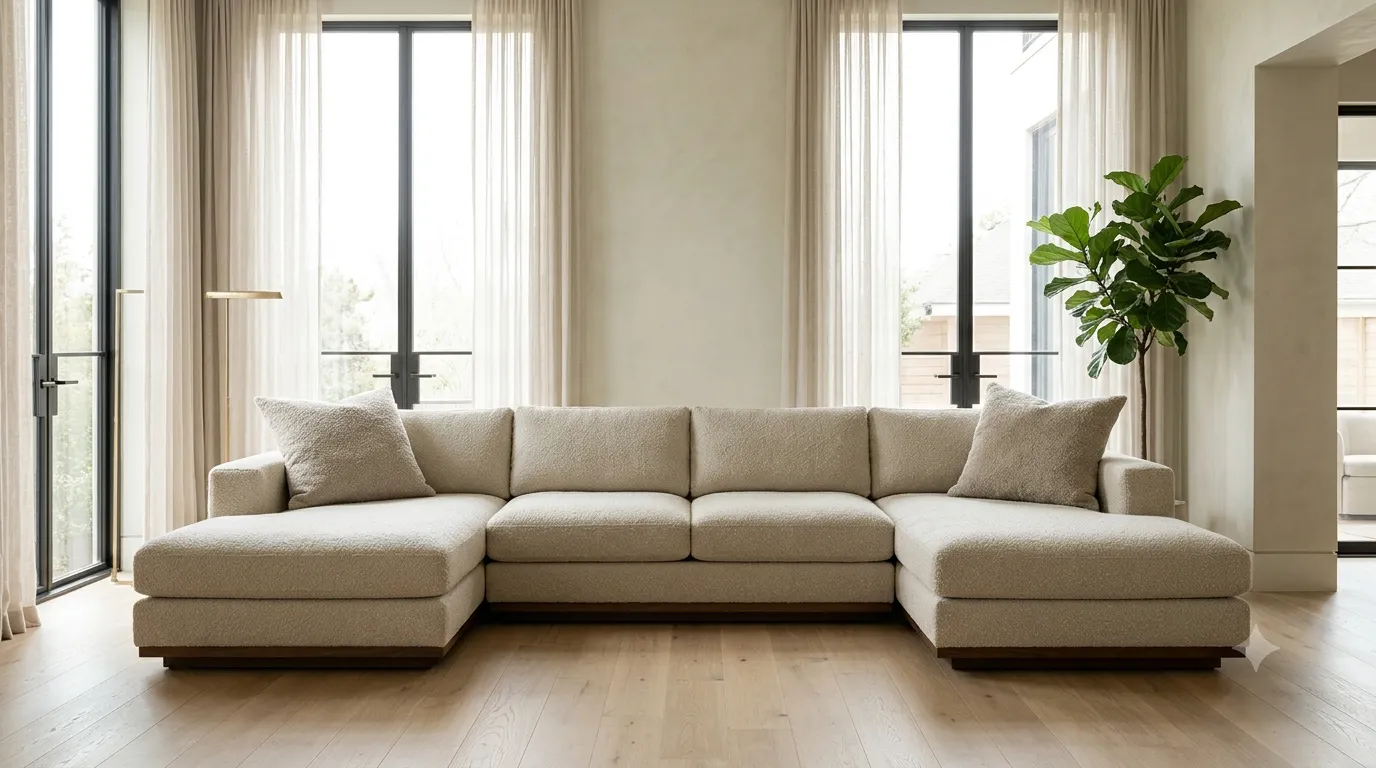
1. Verify scale against real-world dimensions
A three-seater sofa should measure 2.0 to 2.2 meters wide in your scene units. Most free models are scaled for game engines and arrive at 1.2m wide, which breaks the believability of the entire render the moment a human figure stands next to it. Before you commit to a sofa, drop a 1.75m human proxy beside it and check proportions.
If the proportions feel right without any human reference, the model is almost certainly wrong. Sofas need people to read as sofas.
2. Inspect the topology at close-up angles
The mesh has to support both the wide shot and the close-up. Open the model in 3ds Max, scrub the camera in to a 600-pixel detail, and look at:
- Cushion seams — should be modeled, not painted.
- Stitching — modeled or normal map, not absent.
- Leg geometry — should be solid, not flat planes.
- Piping on the edges — should have a subtle radius, not a sharp edge.
Models with topology problems show up at exactly the angle the camera picks — usually the three-quarter front view, where every flaw is visible.
3. Check the material slot structure
A clean sofa model has separate material slots for the fabric, the legs, the stitching, and any metal hardware. A messy model has one giant material with everything baked in, which means you cannot edit the wood without affecting the fabric. The slot structure is also the only way to layer subtle variants (slightly darker cushion corners, lighter piping) without rebuilding the material.
4. Test the model under different lighting
Drop the model into a scene with three lighting setups:
- Soft daylight from the side.
- Warm overhead practical lighting (a single ceiling lamp).
- Mixed daylight + lamp at sunset.
If the sofa falls apart under any of these — particularly the warm overhead test, which exposes fabric texture issues — the model is not production-ready.
| Test lighting | What it exposes | What should happen |
|---|---|---|
| Side daylight | Silhouette, scale, fabric weave | Sofa reads as a sofa |
| Warm overhead | Fabric texture, cushion shape | Subtle highlights on cushion tops |
| Sunset mixed | Material color shift, shadow detail | No flat black shadows |
5. Match the style to the scene brief
The most expensive mistake is a sofa that is correct on paper but wrong for the brief. A mid-century three-seater in a coastal Hamptons scene reads as a styling error. Before downloading, ask: what era is the rest of the room, and what era is this sofa from? If they disagree, keep looking.
6. Read the license before you commit
Sofa models in particular have a wide spread of license terms. Most free models are for non-commercial use only, which kills studio work. Paid models on curated libraries are usually royalty-free across commercial projects. Read the license once — re-checking it 200 files into a project is too late.
7. Optimize before you import
A 4-million-poly sofa in a still render is wasteful. Before you drop the model into your scene:
- Check polycount against your scene budget (sofa should be under 200k polys for typical interior work).
- Confirm texture resolutions match the sofa's on-screen size.
- Convert any unneeded subdiv modifiers to collapsed geometry.
// Quick polycount check inside 3ds Max
$.getNumVerts()
$.getNumFaces()

// For a hero sofa in a typical interior render:
// verts < 80k, faces < 200k is the sweet spot
Putting it all together
The fastest way to internalize these criteria is to render the same scene twice — once with a cheap sofa, once with a high-quality one — and compare. The differences are never subtle. Lighting reads cleaner, materials hold up at close range, the room feels more grounded. Browse our 3D model library for sofas organized by style, era, and brand so you can run that comparison quickly.
Frequently asked questions
Can I fix a bad sofa model with post-processing?
No. Post-processing cannot fix wrong scale, broken topology, or a sofa that does not match the scene. Invest the time in a good model at the start — every fix downstream is more expensive.
Are free models ever production-ready?
Rarely. A small percentage of free models are excellent — most are mediocre at best. Treat free models as reference and study material, not as final assets.
How many sofa models do I actually need in a library?
For residential interior work, six to ten well-chosen sofas cover most briefs: one sectional, one three-seater, one lounge, one statement piece, and one or two era-specific designs. Quality beats quantity.
