
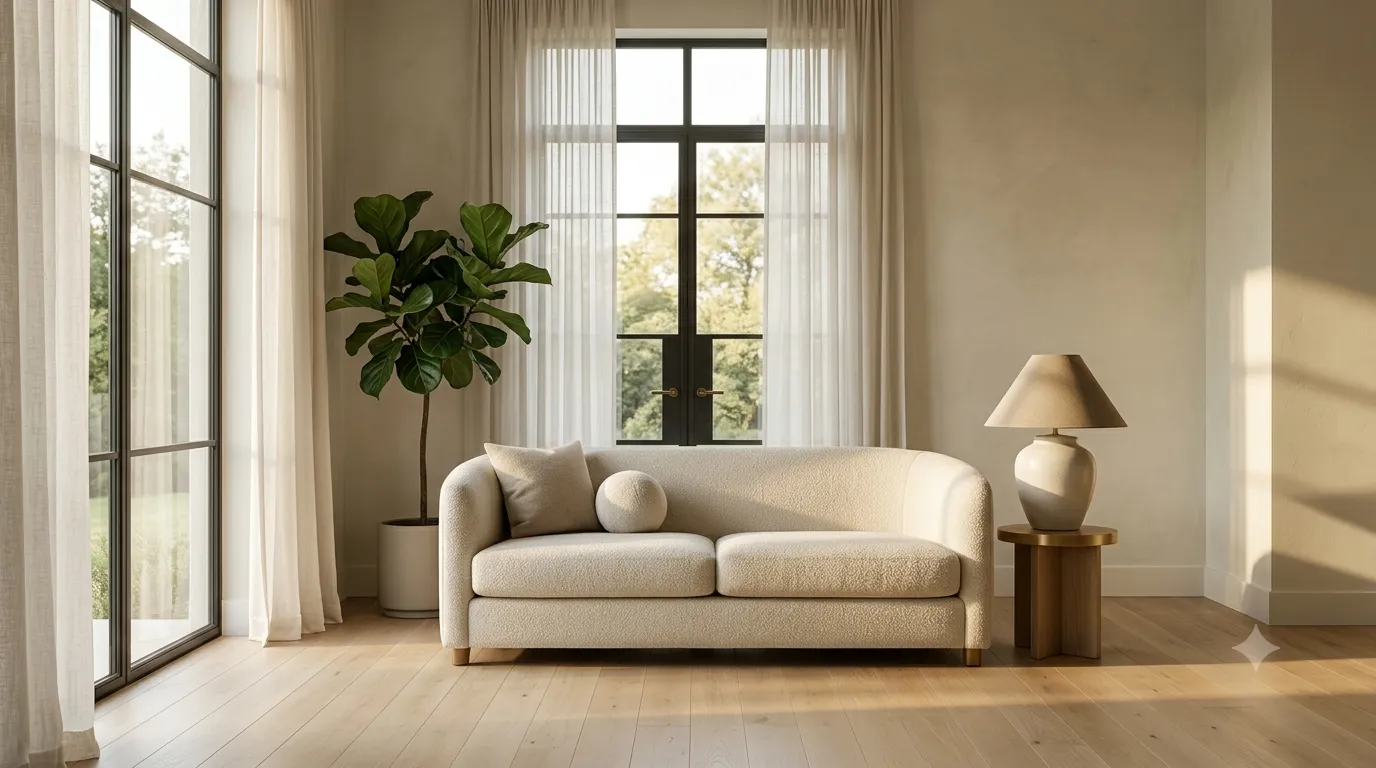
Every interior renderer has a list of mistakes they made early on. Here is the consolidated list of the most common ones, with concrete fixes that compound across a portfolio.
1. Wrong scale
The single most common mistake. A sofa that is 1.2m wide or a door that is 2.5m tall breaks the believability of the entire scene. Measure real furniture and check your model dimensions. Most free models are scaled for games, not real-world interiors.
2. Plastic-looking wood
Wood looks like plastic when the diffuse map is too saturated, the roughness is too low, or the grain pattern is too repetitive. Use a varied diffuse map, set roughness to 0.4-0.6 for most woods, and break the tiling with a noise map on the UV.
3. Lighting that is too even
Real interiors have contrast — bright windows, darker corners, focused pools of light from lamps. If your render is evenly lit everywhere, it looks like a product photo, not an interior. Push the contrast.
4. Default material settings
Every engine ships with defaults that look fine in test scenes but generic in real interiors. Push roughness up, push reflection down, add subtle normal detail. Default settings are starting points, not finishing points.
5. Pointless camera angles
Wide-angle lenses in tiny rooms distort proportions. Use 35-50mm equivalent for most interior work. Save the 24mm for grand hotel lobbies where distortion is part of the brief.
6. Background props that distract
Every object in the scene competes for attention. If a background prop does not serve the composition, remove it. Beginners fill scenes; experienced renderers curate them.
7. Bad post-processing
Heavy chromatic aberration, lens flare on every shot, extreme contrast — these read as "trying too hard." Subtle post-processing is the rule. Use Curves and Levels to refine the render, not to fix a bad lighting setup.
8. Render noise ignored
A render with visible noise in flat areas is unfinished. Use the renderer's denoiser, increase samples, or use light portals to cut noise. Never ship a noisy render — viewers notice even when they cannot name what is wrong.
9. Inconsistent style
Mixing photoreal and stylized assets in one scene breaks the illusion. Pick a style (photoreal, soft realism, stylized) and keep assets consistent within it.
10. No focal point
Every strong render has a clear focal point. The eye lands somewhere and stays. Without one, the viewer scans and leaves. Use lighting, composition, and color to direct the eye.
Studying well-built assets is the fastest way to internalize these fixes. Browse our professionally built 3D model library for reference.
